Write the app in Python. Install a native Android app.
ApkPy compiles your Python into Java, XML and a Gradle project. There is no Python on the phone, and the project opens in Android Studio.
pip install apkpy What is new in 1.14.1
Python in, Android out
One file of Python is the whole app: its screens, its state and what each button does. ApkPy reads it and writes the Android project, the files you would otherwise write by hand.
writehere.py
res/layout/activity_screen_home.xml, generated
The rest of what that file becomes: AndroidManifest.xml, Screen_homeActivity.java with the button's listener, and the light and dark themes in res/values and res/values-night. How generation works
Your code becomes Java and XML. The APK carries no interpreter and no web page.
How it is translatedapkpy build gives you the Gradle project, to read, change and build like any other.
A 100-note app, signed and shrunk, installed and measured on Android.
The benchmarkFour apps built with it
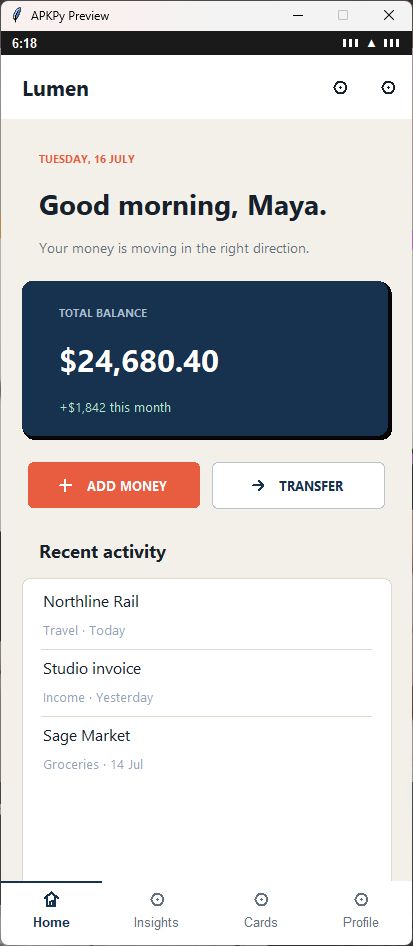
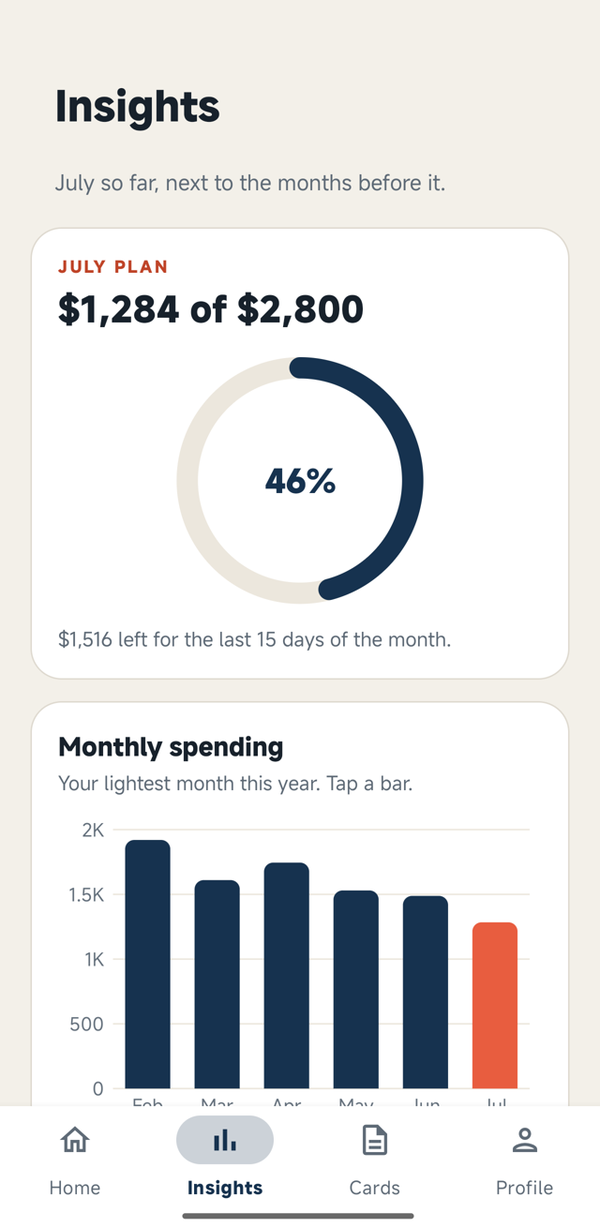
Each one has four screens and working navigation, and each was installed on a phone with every tab opened. The pictures are those APKs.
 Lumen
Lumen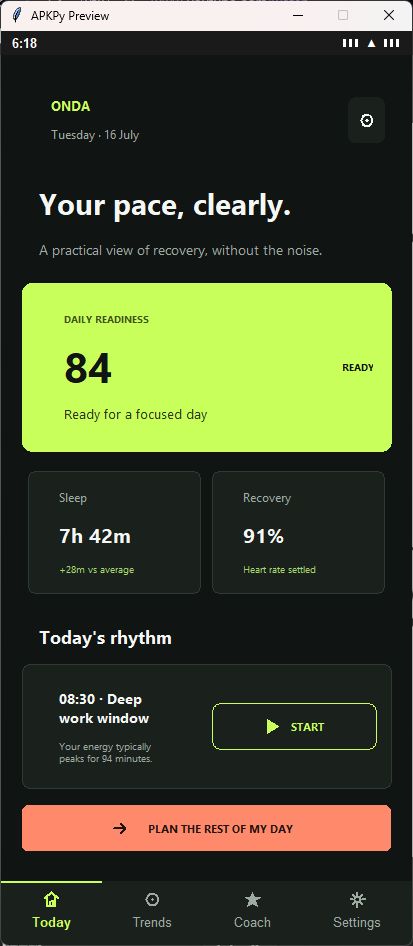 Onda
Onda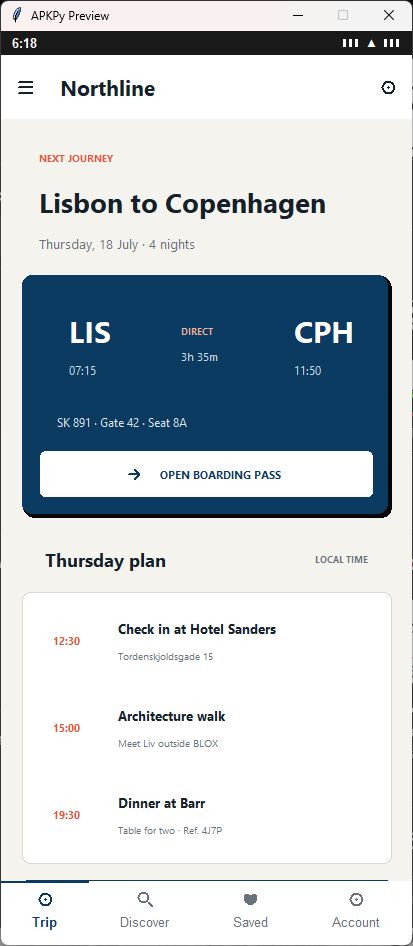 Northline
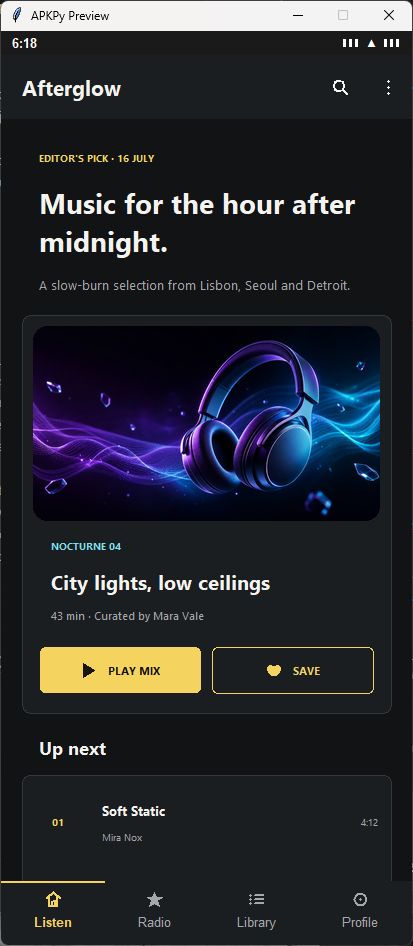 Afterglow
The showcase, with the code of each app · Can ApkPy build your app?
Three commands
python writehere.pyThe Previewer opens the app on your computer in seconds: screens, inputs, navigation and storage.
apkpy runA debug APK, left in your folder. Add --usb to install it on a phone, or --qr to install it over Wi-Fi.
apkpy buildThe whole Android project as a ZIP, ready for Android Studio.
Questions people ask first
Does the APK contain Python?
No. ApkPy compiles your Python into native Android Java, XML and resources. The app does not carry a Python interpreter.
Which Python can I write?
The Python you write apps with: functions, loops, lists and dicts, comprehensions, f-strings, try, and classes with @dataclass. In place of pip packages, ApkPy brings its own APIs for HTTP, data, files, background work and the device. The full list · The API reference
Can I open the result in Android Studio?
Yes. apkpy build produces a Gradle project ZIP for inspection, emulator testing and the usual Android tools.
Is the Previewer enough to test?
Use it for fast feedback, then check permissions, services and the final look on an emulator or a phone. How the two compare
Start with a small screen, then open what it generated.
Install ApkPyOpen source
ApkPy is open source under the Apache License 2.0, and the apps you build with it are yours: an exception in the licence leaves them free of its conditions. Read what the licence says.