Built with ApkPy
The showcase is a visual test of the library, not a set of static mockups. Each app below is an executable Python program that was opened in the Hot Previewer, tested through its primary action and navigation, and transpiled into native Android sources.
Every case study includes its complete application declaration and a
signed release APK built by ApkPy 1.12.0 — R8 shrinking on,
targetSdk 35, around 1.6 MB. Install one, then read the source that produced
it. The pictures are those APKs running on a phone (a Xiaomi on
Android 16), not the Previewer.
Lumen — personal finance
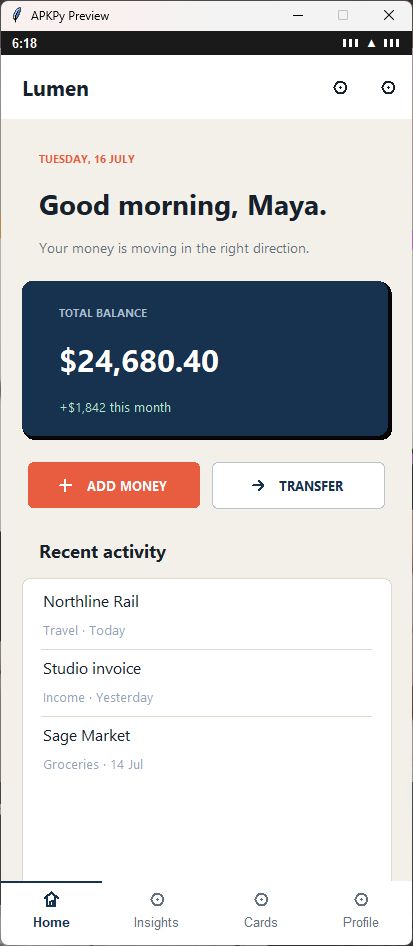
Money without visual noise
Lumen combines a high-contrast balance surface with restrained supporting color. The screen uses themed containers, a rich transaction list, Material actions, toast feedback and a four-destination bottom navigation.
- Global light theme and reusable color tokens
- Responsive action row and financial summary card
- Interactive rich list and bottom navigation
- An Insights tab drawn by
chart(): a ring, bars you can tap, a donut and a line (pictured below)
Onda — daily wellbeing
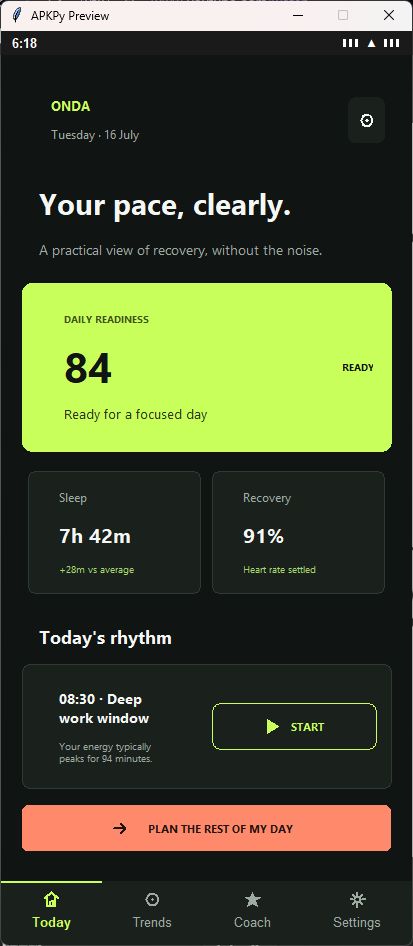
A dashboard that knows when to stay quiet
Onda uses a limited lime-and-coral palette to make readiness, recovery and the next useful action immediately legible. Flex containers keep paired metrics balanced at phone width.
- Custom dark theme with clear semantic color roles
- Flexible metric cards and compact schedule composition
- Button feedback and state-preserving tab navigation
Northline — travel companion
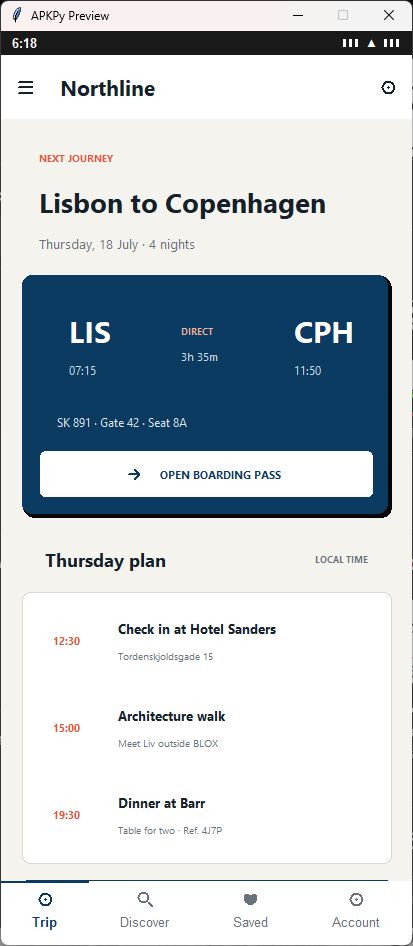
Every travel detail in the right place
Northline treats the boarding pass as the primary object and lets the itinerary recede behind it. Nested containers build the route, timeline and trip actions without a custom Android layout.
- Native-style top app bar and four-screen navigation
- Nested horizontal composition for flight information
- Action feedback and itinerary hierarchy
Afterglow — music discovery
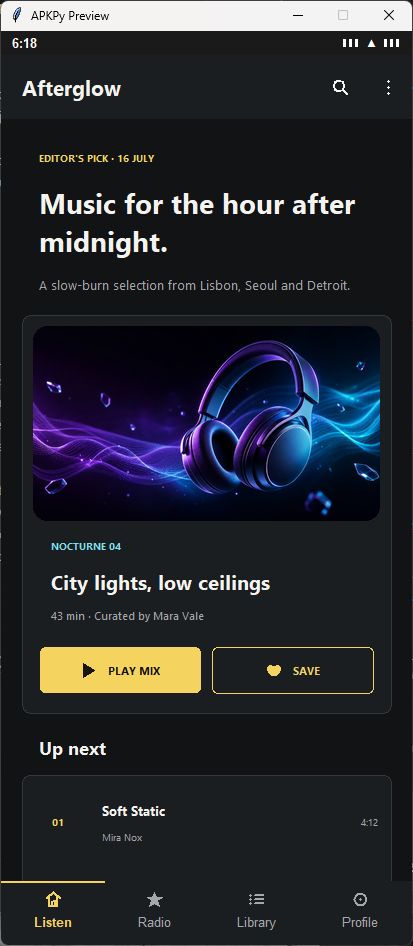
An editorial listening surface
Afterglow pairs local artwork with a compact listening queue and warm, tactile actions. The image is packaged into Android resources while the same source renders immediately in the Previewer.
- Local image asset with cover fitting and rounded corners
- Composed feature card and track queue
- Interactive playback action and saved-library navigation
Verification record
The four programs are byte-for-byte the sources linked above. Each one was
transpiled and compiled by ApkPy 1.12.0 into a signed release APK: R8
code shrinking and resource shrinking on, minSdk 24, targetSdk 35. After
shrinking, aapt2 confirms that each APK still declares its package, its
versionName and the launcher Activity R8 could have removed. All four were
installed on a phone — a Xiaomi on Android 16 — and every tab was opened.
Until September 2026 this page handed out debug builds from the ApkPy 1.1.0 run. They are gone; the same four apps now look like this:
The 1.10.0 builds also fixed four icon names that were not in the catalogue. ApkPy draws a plain circle for a name it does not know -- there is nothing else it could draw -- so Lumen shipped with a circle where "Cards" should be. A test now fails if any example or guide names an icon the catalogue does not have, because the build already said so and a build prints a lot of lines.
The 1.11.0 builds fixed something worse. Each app builds three of its tabs
with a loop — for page, title, copy in [...]: — and the compiler dropped
that loop without a word: on a phone those tabs were empty, and Afterglow had
no tracks. The 1.10.0 APKs this page handed out had that fault. The loop is
translated now; every tab of the four apps has its title and text on a phone.
The 1.12.0 builds changed one app on purpose: Lumen's Insights tab, which was
a title and a paragraph, is four charts drawn by chart(). The other three
are the same source, built by an engine that now centres a column in its box
and keeps wrapped text at the start.
| App | Python source | 1.1.0 debug APK | 1.12.0 signed release |
|---|---|---|---|
| Lumen | 219 lines | 5,642,176 bytes | 1,643,174 bytes (3.4x smaller) |
| Onda | 148 lines | 5,644,411 bytes | 1,626,118 bytes (3.5x smaller) |
| Northline | 170 lines | 5,648,389 bytes | 1,639,605 bytes (3.4x smaller) |
| Afterglow | 142 lines | 7,418,424 bytes | 3,317,934 bytes (2.2x smaller) |
Afterglow is the odd one because it packages 1,777,049 bytes of PNG artwork — more than half of its APK. Take the picture out and it is the same size as the other three.
The difference is not a different compiler. It is a release build instead of a
debug one: R8 removes the code the app never calls, unused resources go, and
the debug APK's debugging support is not there. Names are kept readable
(-dontobfuscate) so a crash report still means something.
| App | SHA-256 |
|---|---|
| Lumen | D02B19C0AC6A427776BC691EB77F791BE205923CDF8E437F231A157A017A61FA |
| Onda | 4FD8CF855E5A55390DF60A6EE2BCFBC4426B8699539F928DDF9D51DAC9BD88FA |
| Northline | 85EE47195D5C224F0B8B014CC044B74B30D3DC48EB675C50F52D7142D696CBB2 |
| Afterglow | BF91005156AA7BD9714961B2BB789DB644AB937FFE8D1E68E761D16A06F662B3 |
They are also in
SHA256SUMS.txt.
Signed for this page, not for a store
The key was generated for these four demos. Android installs them without an "unsigned" warning, but they are not Play Store releases and they are not updates of the old debug builds — different application id, different key, so if you still have a July one installed both can sit side by side.
These four were installed on a phone and every tab was opened; the pictures above are those screens. The source is above — build it and compare.
Rebuild one app
- Download its Python source.
- Save it as
writehere.pyin an empty project directory. - Add any image asset referenced at the top of that source.
- Run
python writehere.pyfor the Previewer. - Run
apkpy buildand inspect the generated Java/XML. - Run
apkpy runfor a debug APK,apkpy releasefor a signed one, or compile the project in Android Studio.
The sources are kept under
examples/showcase/
so each visual claim can be reviewed and regenerated instead of being treated
as a static mockup.
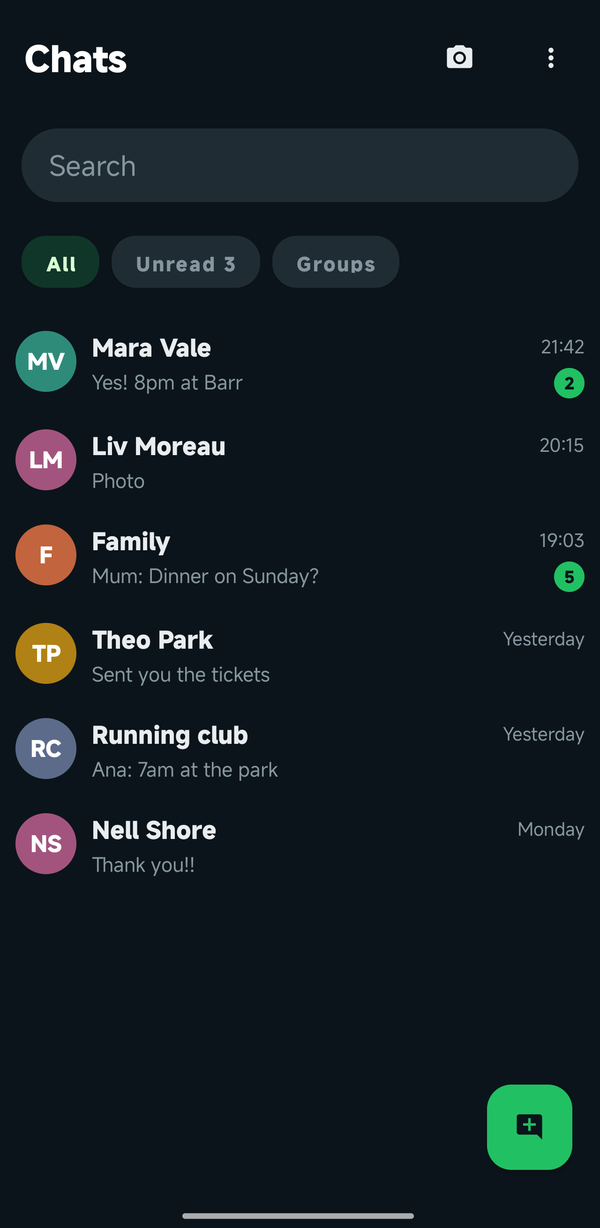
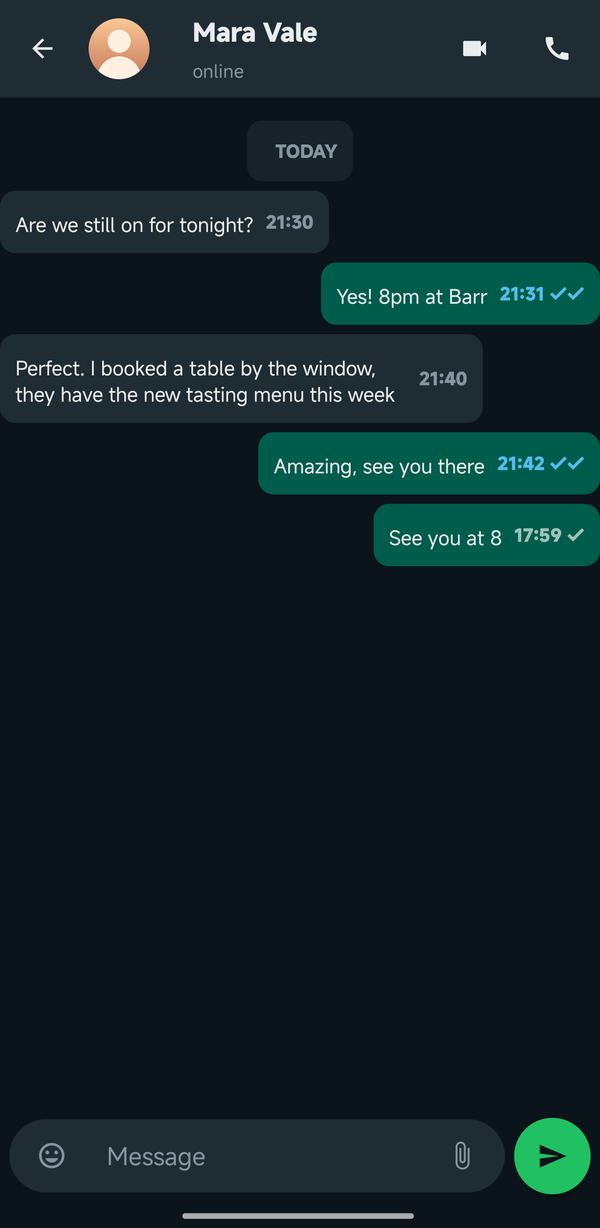
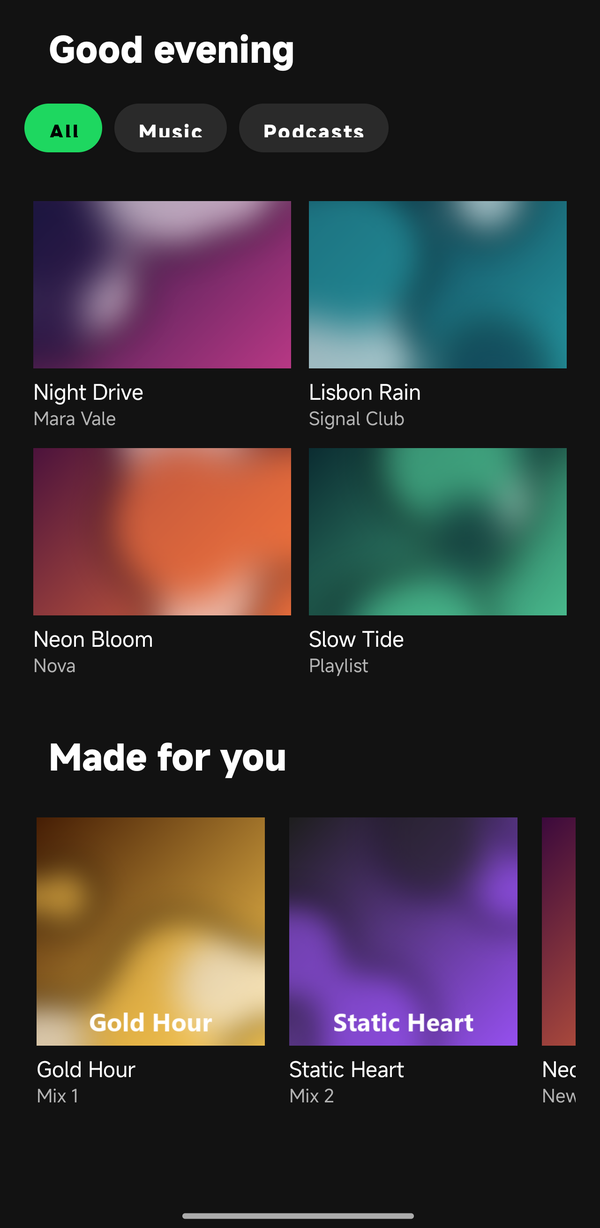
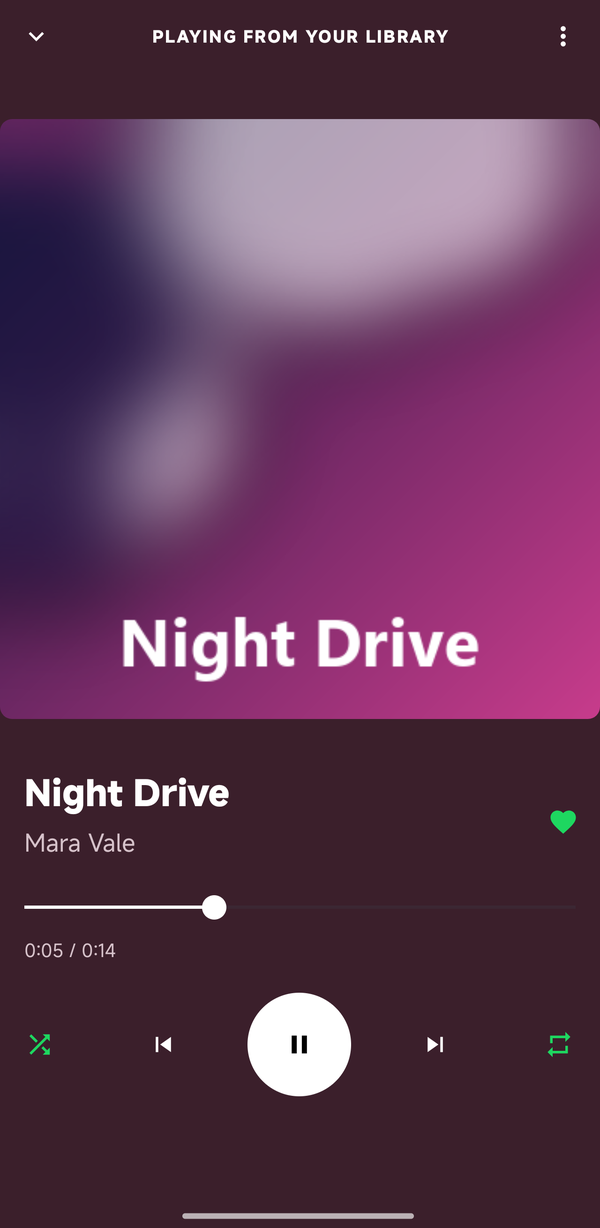
Apps you know, rebuilt
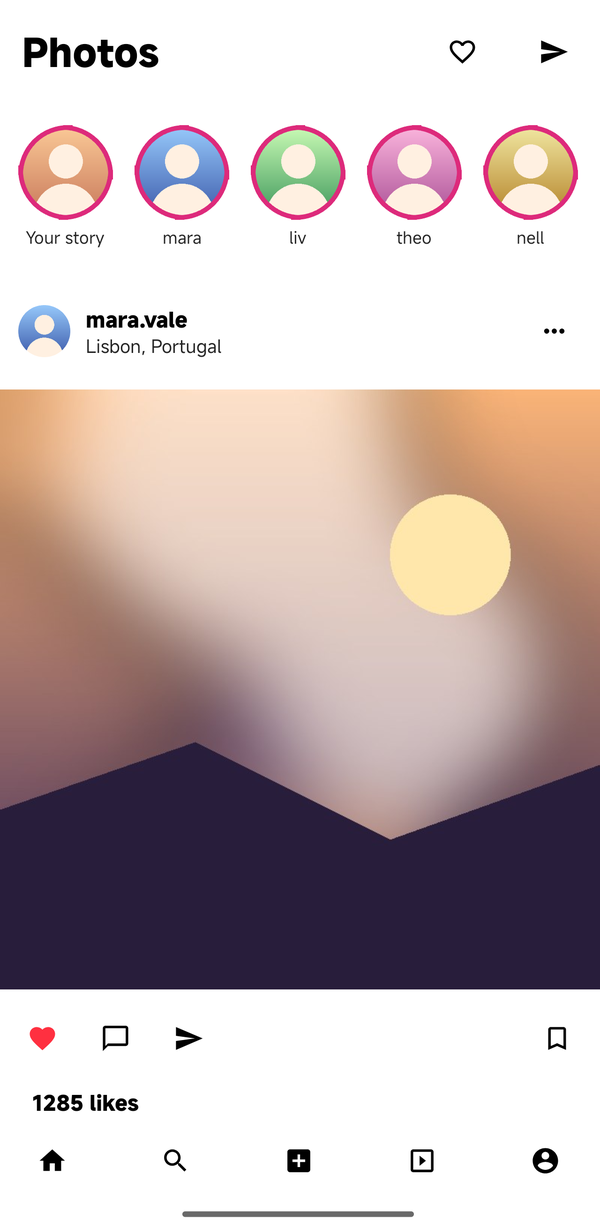
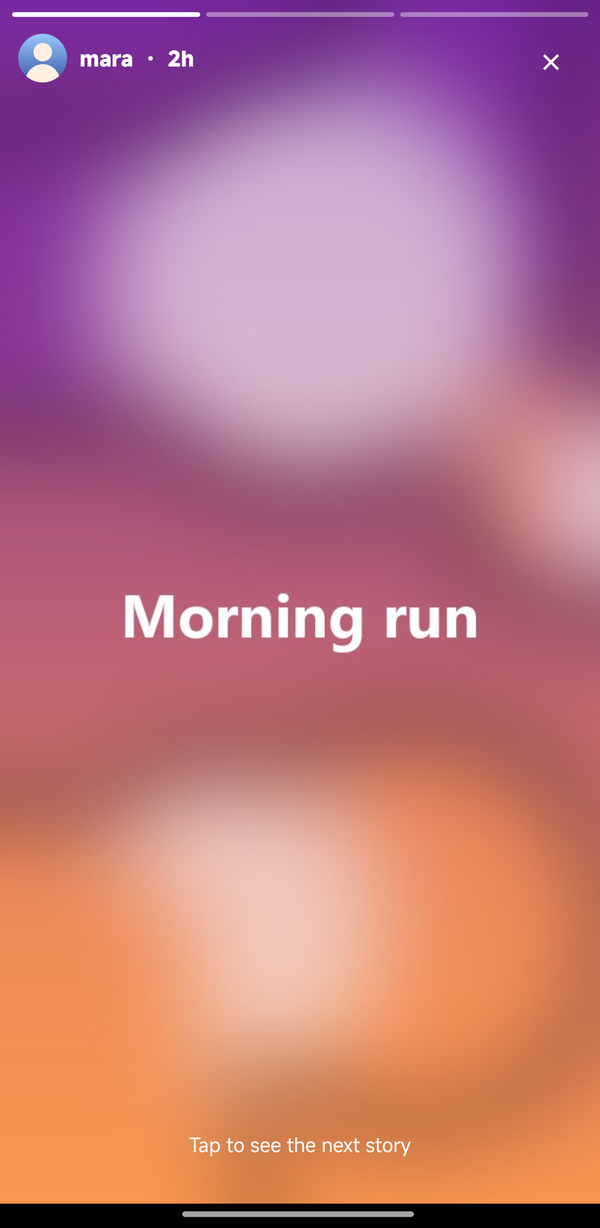
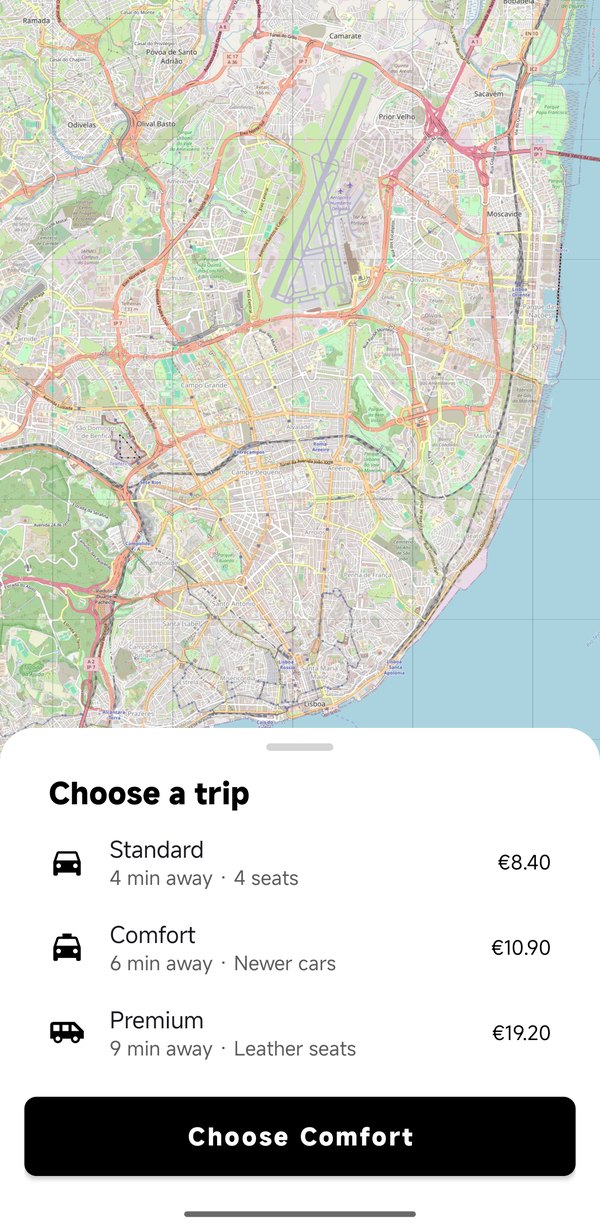
A fair test of a UI library is to rebuild screens everybody has used and look at them next to the originals. These four were rebuilt with ApkPy 1.11.0 and photographed on the same phone, a Xiaomi on Android 16. Everything on them works: a message you type is appended with its time, the tracks play with their covers, shuffle and repeat light up, the like button turns red on its own post and counts, a story advances when tapped, and choosing a ride changes the button.
The photo feed is data: each post is a row built from components
(virtual_collection(posts, row=post_row)), recycled as it scrolls.
New in 1.12.0
The same apps, a release later. What a finger does was missing from them: tabs that swipe, filters that stay selected, rows that swipe away. The profile's grid scrolls with its header, the private-account switch remembers, an archived message leaves with an Undo, and a task dragged to third place says so.
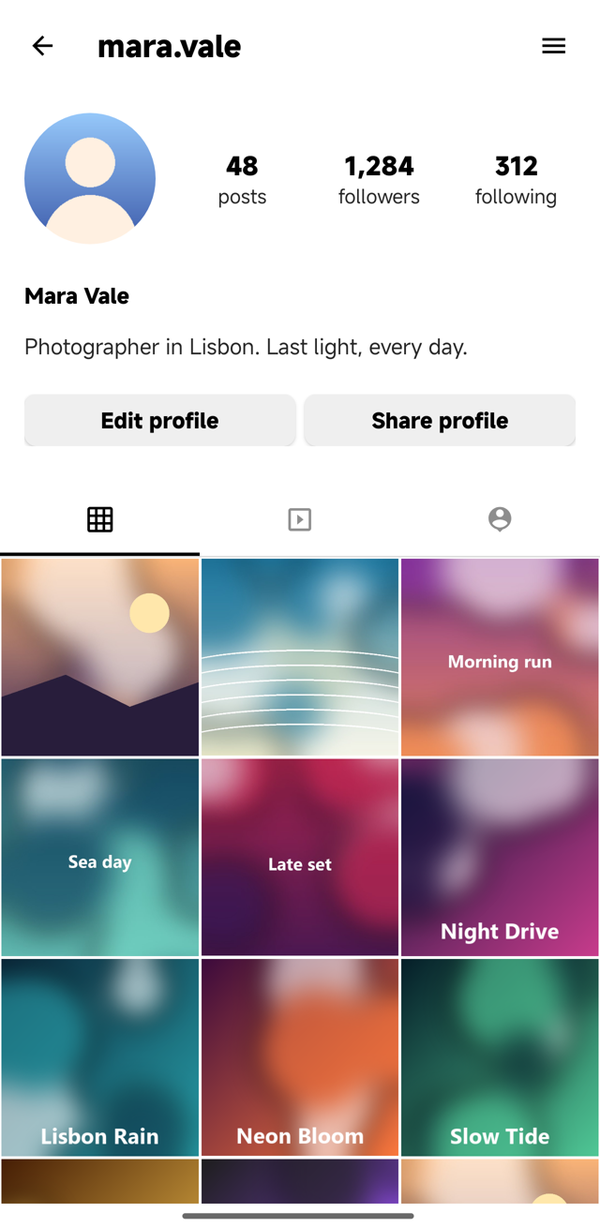
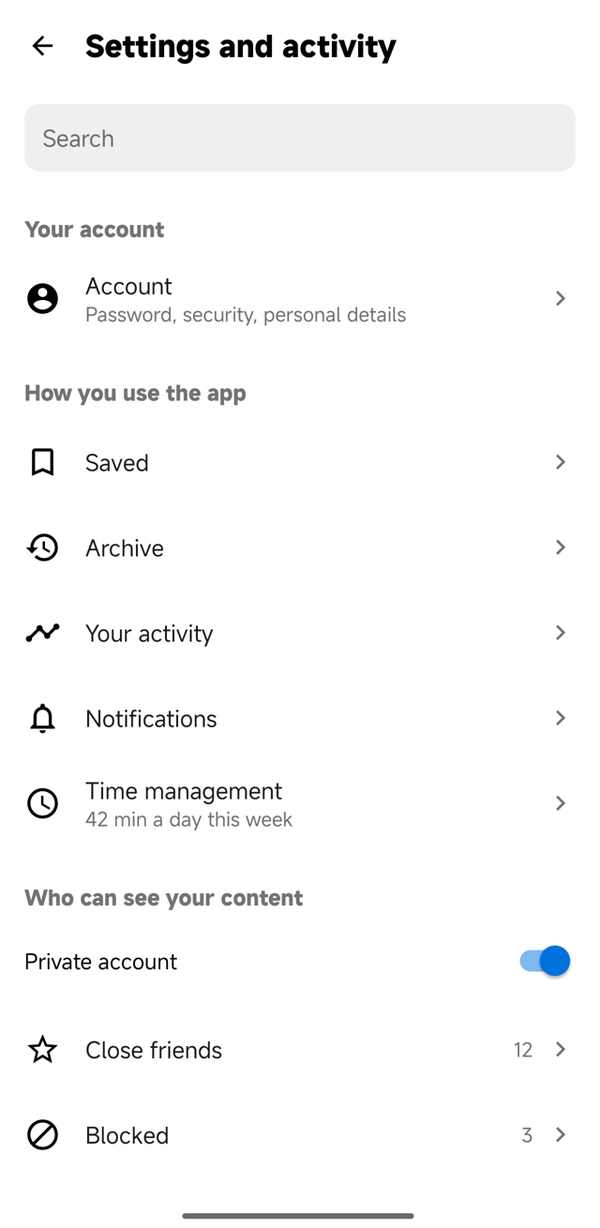
back() on the arrow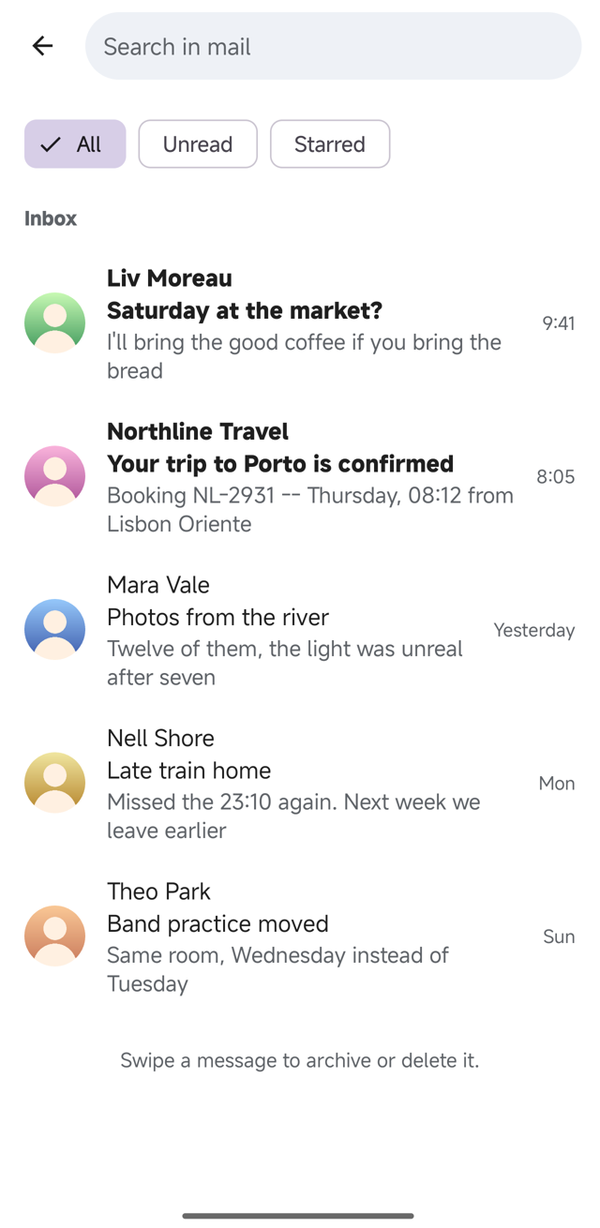
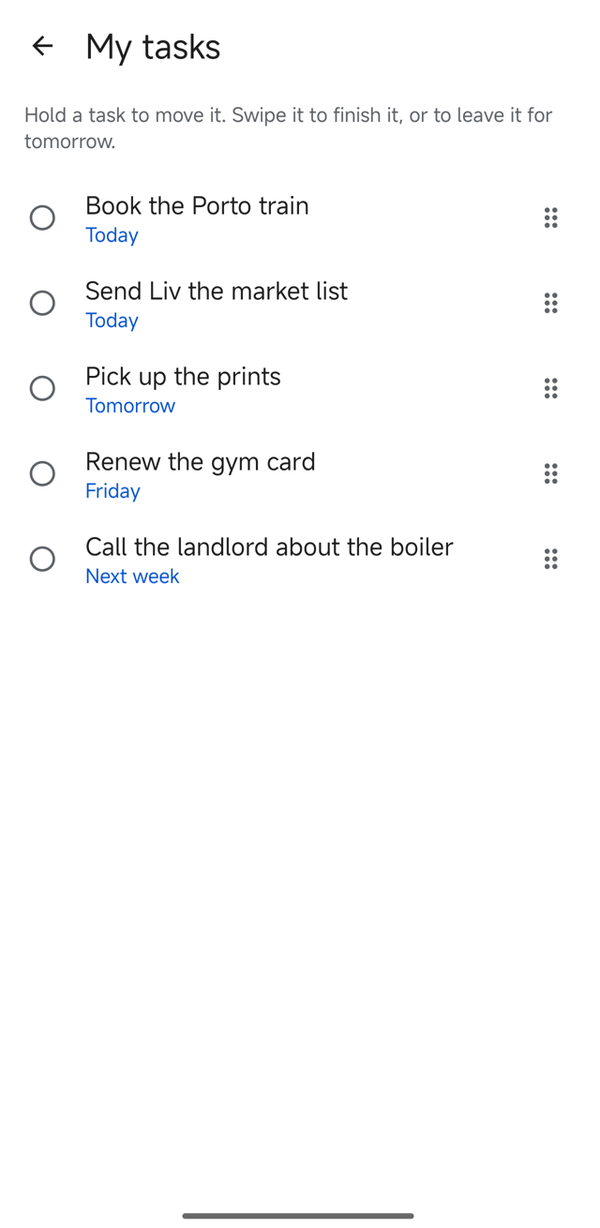
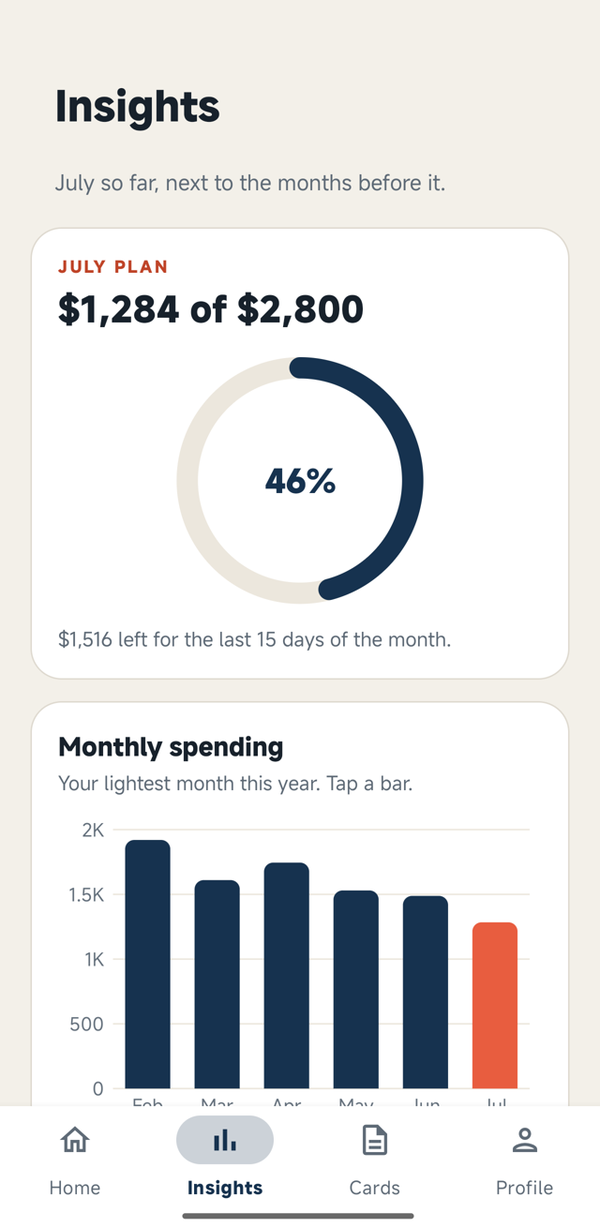
chart()The source is examples/replicas/:
one writehere.py, and a make_assets.py that draws the pictures and writes
the three short tracks it uses. They are replicas made to test the library,
not affiliated with or endorsed by the companies whose apps they imitate; every
picture, name and sound in them is made up.